AutoFEM Analysis is the finite element analysis software for structural and mechanical engineering
AutoFEM Analysis is oriented towards a broad community of engineers, who, although not being experts in the finite element analysis (FEA), wish to use this method. AutoFEM Analysis allows you to solve various problems of mechanical and structural analysis:

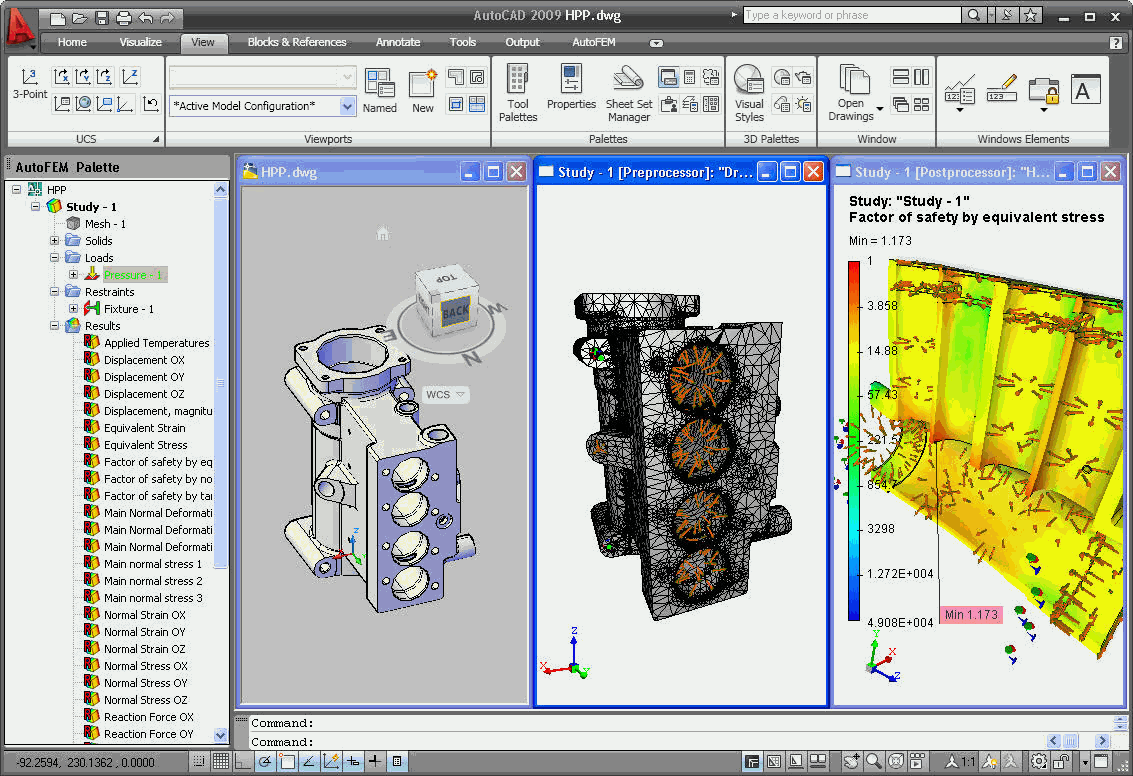
The important feature of the system is its close relationship with the well-known system of designing, i.e.,‑ AutoCAD (Autodesk, Inc. USA). The most popular graphic system AutoCAD 2007-2010, 2012 is used as a geometric modeling kernel for the preparation of the finite element model in AutoFEM Analysis. This means that all AutoCAD users can perform the finite-element analysis without leaving the AutoCAD, using a familiar and convenient interface. The entire process of modeling and processing of FEA results is going in the AutoCAD 3D environment. All FEA results are stored in files .dwg and they can be sent to a customer or partner for examination.
There is also AutoFEM Analysis Lite, which is a free version of AutoFEM Analysis. The AutoFEM Lite version supports all the same problems of finite-element analysis as the commercial version. Though AutoFEM Analysis Lite has some functional limitations, they are not related to the number of freedom degrees of a finite element problem. This circumstance allows one to use AutoFEM Analysis Lite for practical calculations. AutoFEM Analysis Lite is free for commercial and educational usage, according to the license.
In addition, tight integration with AutoCAD allows you to receive the following additional benefits.
Associative Model The CAE model is associative to the design model, since it uses a native AutoCAD geometry. AutoFEM Analysis ensures that the very latest design information be available for simulation without the need for any time-consuming geometry translation or data re-creation. Meshing is automatic and adaptive to model geometry.
Friendly User Interface Complete integration with AutoCAD means that AutoFEM Analysis users are able to perform the design analysis, simulation and optimization directly from their AutoCAD user interface. AutoFEM Analysis utilizes the AutoCAD Properties dialog boxes, as well as the command and menu structures, so that anyone who can design a part in AutoCAD becomes able to analyze it without learning a new interface.
Wide Area of Application Quick and inexpensive analysis often reveals non intuitive solutions and benefits engineers by providing them with a better understanding of product characteristics. Whether used in the mechanical, electromechanical, aerospace, transportation, power, medical or construction industries, AutoFEM Analysis can help to shorten development time, reduce testing costs, improve product quality, increase profitability, and cut time to market.
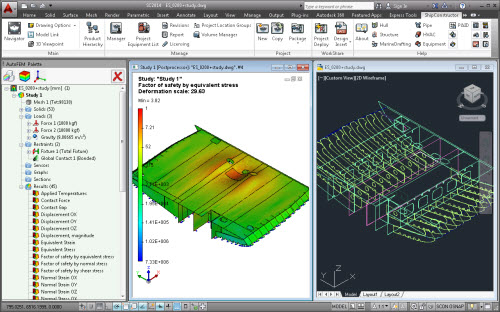
Structural Static Stress Analysis Structural stress analysis capabilities enable engineers to perform static stress analysis of parts and assemblies under various loading conditions. Static studies calculate displacements, reaction forces, strains, stresses, and factor of safety distribution. Static analysis can help you avoid failure due to high stresses. Various structural loads and restraints can be specified including force, pressure, gravity, rotational load, bearing force, torque, prescribed displacement, temperature, etc.

Fatigue Analysis The AutoFEM Fatigue Analysis module is used in conjunction with AutoFEM Static Analysis and allows one to evaluate the strength of a structure, which is subjected to cyclic loading. This type of loading is usual in mechanical and structural engineering.

Frequency Analysis Frequency Analysis determines a part's natural frequencies and the associated mode shapes. It can determine if a part resonates at the frequency of an attached, power-driven device, such as a motor. While resonance in structures must typically be avoided or damped, engineers may choose to exploit resonance in other applications. The typical applications include acoustical speaker design, aerospace structure design, bridge and overpass architecture, construction equipment design, musical instrument study, robotic system analysis, rotating machinery and turbine design, vibrating conveyor optimization and others.

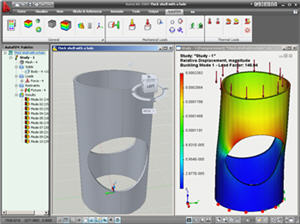
Buckling Analysis Critical buckling load analysis examines the geometric stability of models under primarily axial load. It helps avoid failure due to buckling which refers to sudden large displacements and can be catastrophic if it occurs in the normal use of most products. Buckling analysis provides the lowest buckling load which is of interest and is usually used in such applications as automotive frame design, column design, infrastructure design, safety factor determination, transmission tower design, vehicle skin design and others.

Forced Harmonic Oscillations Analysis
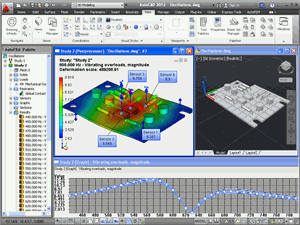
Analysis of forced oscillations is performed to predict the behavior of a structure under external actions which change in accordance with the harmonic law. These actions include force and/or kinematic excitation. In addition to it, the impact of the system damping may be taken into account.

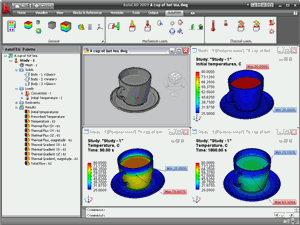
Thermal Analysis Capabilities for simulating thermal effects include steady-state and transient heat transfer analysis. Thermal studies calculate temperatures, temperature gradients, and heat flow based on heat generation, conduction, convection, and radiation conditions. Thermal analysis can help you avoid undesirable thermal conditions like overheating and melting.

|